How Loudness Normalization Ended the Loudness War
Streaming services now level every track to a target like -14 LUFS. Here is how that ended the loudness war and what it means for how music is mastered.
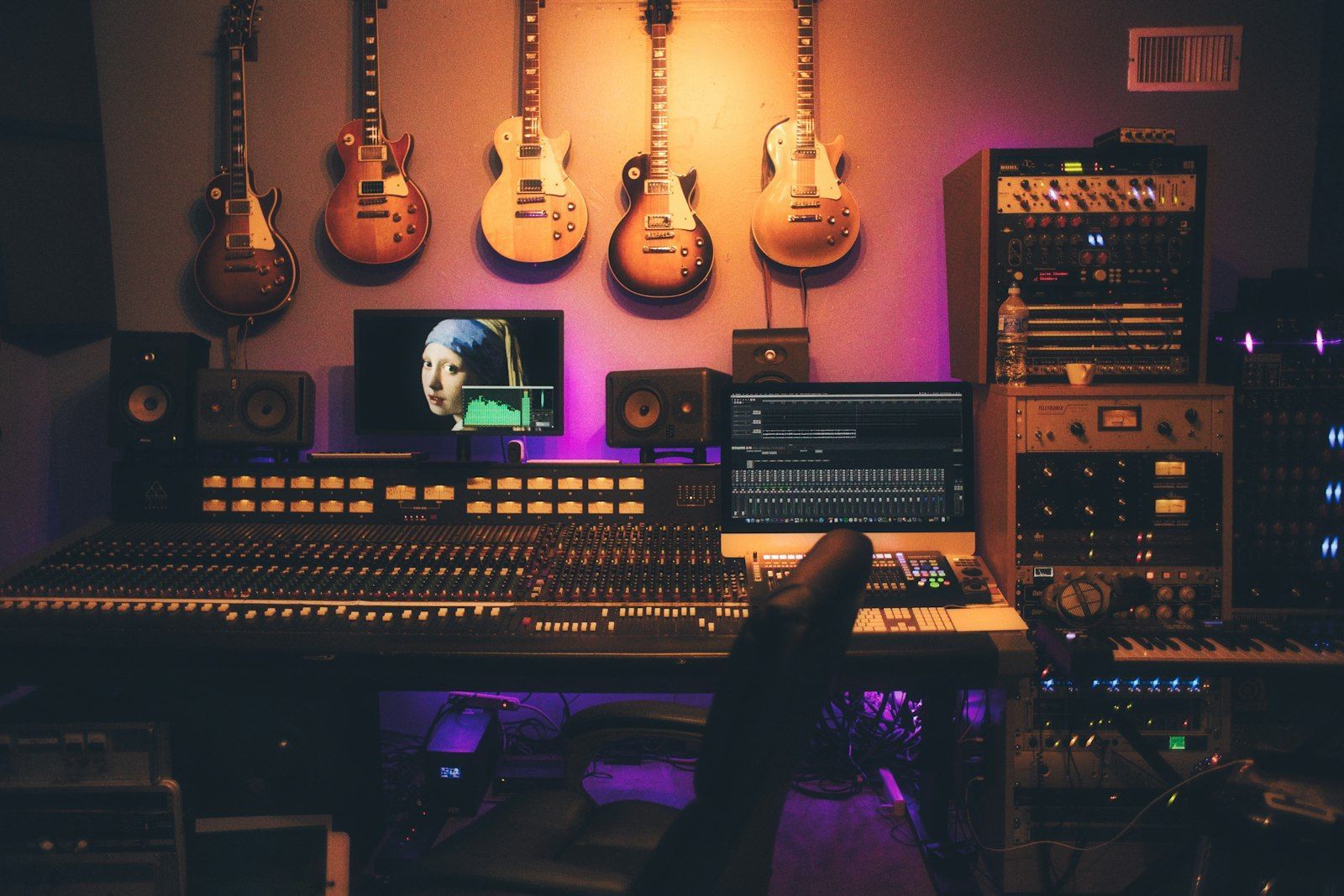


In 2008, Metallica released Death Magnetic, and fans quickly noticed something odd: the version of the album that shipped inside the video game Guitar Hero sounded cleaner than the CD. The CD was mastered so loudly that the waveform slammed into the ceiling again and again, and listeners heard it as harsh distortion. That episode became the most famous symbol of the loudness war, and the war is now mostly over, ended not by a treaty between engineers but by an algorithm inside your streaming app.
Loudness normalization quietly decides how much of your music survives the trip from the studio to your headphones. Understanding it explains why old masters sound different when remastered, why some new songs feel strangely calm, and why a playlist that mixes decades of music no longer makes you lunge for the volume knob every three minutes.
What the loudness war actually was
Loudness sells, or at least it seemed to. When two songs are played back to back at the same volume setting, the louder one tends to sound more powerful and more exciting, even if it is worse in every other way. Labels noticed, and mastering engineers were pushed to make each release a little louder than the last.
The technical tool for this is dynamic range compression combined with peak limiting. A limiter clamps down on the loudest moments so that the whole track can be turned up without exceeding the maximum level of digital audio. Push far enough and the quiet parts and the loud parts end up at nearly the same level. Drums lose their punch, because a snare hit that is supposed to jump out of the mix has nowhere left to jump. In the worst cases the peaks are flattened so hard that the waveform looks like a solid brick, and the result is audible clipping.
The loudness war had a cost that fans described in simple words: listening fatigue. A record with no room to breathe is tiring after twenty minutes, however good the songs are.
The measuring stick: LUFS
To fix a loudness problem you first have to measure it, and simple peak meters are a poor guide. A very short spike can be far higher than the average level, and human hearing does not respond to peaks the way a meter does. It responds to sustained energy, weighted by how sensitive our ears are at different frequencies.
The broadcast world built a better ruler. The ITU-R BS.1770 standard defines a way to measure perceived loudness, and the unit is called LUFS (Loudness Units relative to Full Scale, also written LKFS). One loudness unit (1 LU) equals one decibel, so a track at -9 LUFS is 5 dB louder than one at -14 LUFS.
Three flavors of the measurement matter in practice:
- Integrated loudness: the average across the entire track. This is the number streaming services use.
- Short-term loudness: measured over a rolling window of about three seconds. Useful for seeing how the chorus compares to the verse.
- Momentary loudness: measured over roughly 400 milliseconds. It reacts quickly and is good for spotting sudden jumps.
Alongside LUFS you will see true peak, measured in dBTP. It estimates the highest level the audio will reach once it is converted back into a smooth analog waveform, which can be slightly higher than the highest sample in the file. Lossy formats like AAC and Ogg Vorbis can push those inter-sample peaks even higher, which is why many engineers leave a little headroom, often around -1 dBTP.
How broadcasters solved it first
Television had the same problem long before streaming: the commercials were louder than the show. The European Broadcasting Union answered with EBU R128, which sets a target of -23 LUFS integrated for programs, with a tolerance of plus or minus 0.5 LU for pre-recorded content and plus or minus 1 LU for live broadcasts, as summarized in the audio normalization overview.
The lesson from broadcasting was simple and radical: stop trying to win by being louder, because the playback chain will bring everything to the same level anyway. Once every program is normalized, extra loudness in the master buys you nothing except damage.
Streaming picks a target
Music streaming services took the same idea and applied it to songs. Each track is analyzed, and the player adjusts its volume so that tracks land near a common target. The exact numbers differ by service and by setting, and they change over time, so treat these as a snapshot rather than a law.
| Service | Typical reference level | Notes |
|---|---|---|
| Spotify | about -14 LUFS | Users can choose quieter or louder targets in settings |
| YouTube | about -14 LUFS | Turns loud content down, does not boost quiet content |
| Tidal | about -14 LUFS | Commonly cited alongside Spotify and YouTube |
| Apple Music | -16 LUFS | Sound Check, now enabled by default |
| EBU R128 broadcast | -23 LUFS | Television and radio, not music streaming |
Sources agree that Spotify, YouTube, Tidal, Amazon and SoundCloud have settled near -14 LUFS, while Apple chose the quieter -16 LUFS, following the AES TD1008 recommendations. The iZotope guide to mastering for streaming and Production Expert's explanation of Apple's choice both lay out the reasoning, and Meterplugs reported the change when Apple turned Sound Check on by default.
The one-way street on YouTube
There is an important difference in how services apply the target. Some only turn loud tracks down. YouTube works this way: if your master sits at -18 LUFS, it plays at -18 LUFS while louder material is brought down toward -14. Other services can also raise quiet tracks, though they usually limit how much gain they add so that peaks do not distort.
For a listener this is invisible. For a mastering engineer it changes the math. On a service that only attenuates, a quiet master is not penalized and a very loud master is simply turned down, so the loud one gains nothing.
Why loud masters now sound worse, not better
Here is the counterintuitive part. Suppose a track is mastered at -8 LUFS and the service turns it down to -14 LUFS. The track has lost 6 dB of playback gain, but the damage from heavy limiting is still baked into the audio. Meanwhile a competing track mastered at -14 LUFS with its dynamics intact plays at exactly the same volume, and its drums hit harder because the transients were never flattened.
Same average loudness, more punch, less distortion. The dynamic master wins the comparison it used to lose.
This is why many engineers now deliver masters somewhere between roughly -14 and -9 LUFS depending on genre, instead of chasing the maximum. A sparse acoustic recording has no reason to be squashed, and it will not be. A dense hardcore or electronic track may still sit louder for aesthetic reasons, and that is fine, because the loudness is a creative choice rather than an arms race.
A rough rule that many engineers use: check the integrated loudness, then check how much gain reduction the limiter is applying. If it is working constantly on every beat, the track probably has more density than it needs.
What this means for older music
Normalization also changes how catalog music behaves next to new releases. A 1990s album mastered before the war escalated might sit at around -14 to -18 LUFS and get a small boost or no change. A late 2000s rock album at -7 LUFS gets turned down significantly.
That is why you may notice that a remaster of a classic album, released to be louder in the CD era, sounds identical or even worse than an earlier, quieter pressing once the streaming service levels them. Remasters made for streaming often take the opposite approach: less limiting, more headroom, and the same or slightly different EQ.
If you have ever wondered why a song from 1975 and a song from 2015 can now sit next to each other in a playlist with no jarring volume jump, this is the reason. Ten years ago that same playlist would have needed manual volume riding.
The catches: it is not perfect
Normalization is helpful, but it has limits worth knowing.
- It measures the whole track, not the moment. A song that is quiet for three minutes and explosive for one may have an average that misrepresents how it feels.
- It can be switched off. Some apps and players disable it by default or let listeners turn it off, and then the loudest masters win again.
- Different services use different targets. A master optimized for one platform is slightly off on the others, which is why engineers usually pick a middle path.
- It does not fix bad mixes. A muddy, over-compressed track is still muddy at the right volume.
- Mixed sources break it. Files you play from your own library, or streams from a mix of different sites, may not carry loudness data at all.
Check your own listening setup
You can hear all of this for yourself in about fifteen minutes, with no special equipment beyond decent headphones.
- Find the setting. In your streaming app, open the playback or audio settings and look for a volume normalization or Sound Check option. Note whether it is on.
- Pick two songs with very different loudness. A good pair is a heavily compressed 2000s rock or pop hit and a modern acoustic or jazz track. Play each for 60 seconds with normalization on, then repeat with it off.
- Listen for the difference in punch, not volume. With normalization on, the volume gap shrinks. Pay attention to which track has clearer drums and less harshness at the same level.
- Try a measurement tool. Free loudness meters exist as plugins and standalone apps. Drop a song you own into one and compare its integrated LUFS to the platform targets above.
- Rebuild one playlist. If you make playlists for a road trip or a party, mix eras on purpose and see whether the volume stays comfortable. If it does not, the culprit is usually a source without normalization, and you can fix it by ordering tracks with similar energy next to each other.
If you make music yourself, try this experiment: export two versions of the same mix, one limited to around -9 LUFS and one left at about -14 LUFS with a gentler limiter. Level-match them by ear, then decide which one you would rather listen to for an hour. Most people are surprised by the result.
Build your next playlist with Mixider
Mix YouTube, SoundCloud, Bandcamp and more in one shared playlist, and let your friends add their picks.
Try Mixider for free