How to Pick the Best 30 Seconds of a Song for Short Videos
A step-by-step method for choosing the right slice of a song for Reels, TikTok and Shorts: song maps, bar math, clean cut points and seamless loops.
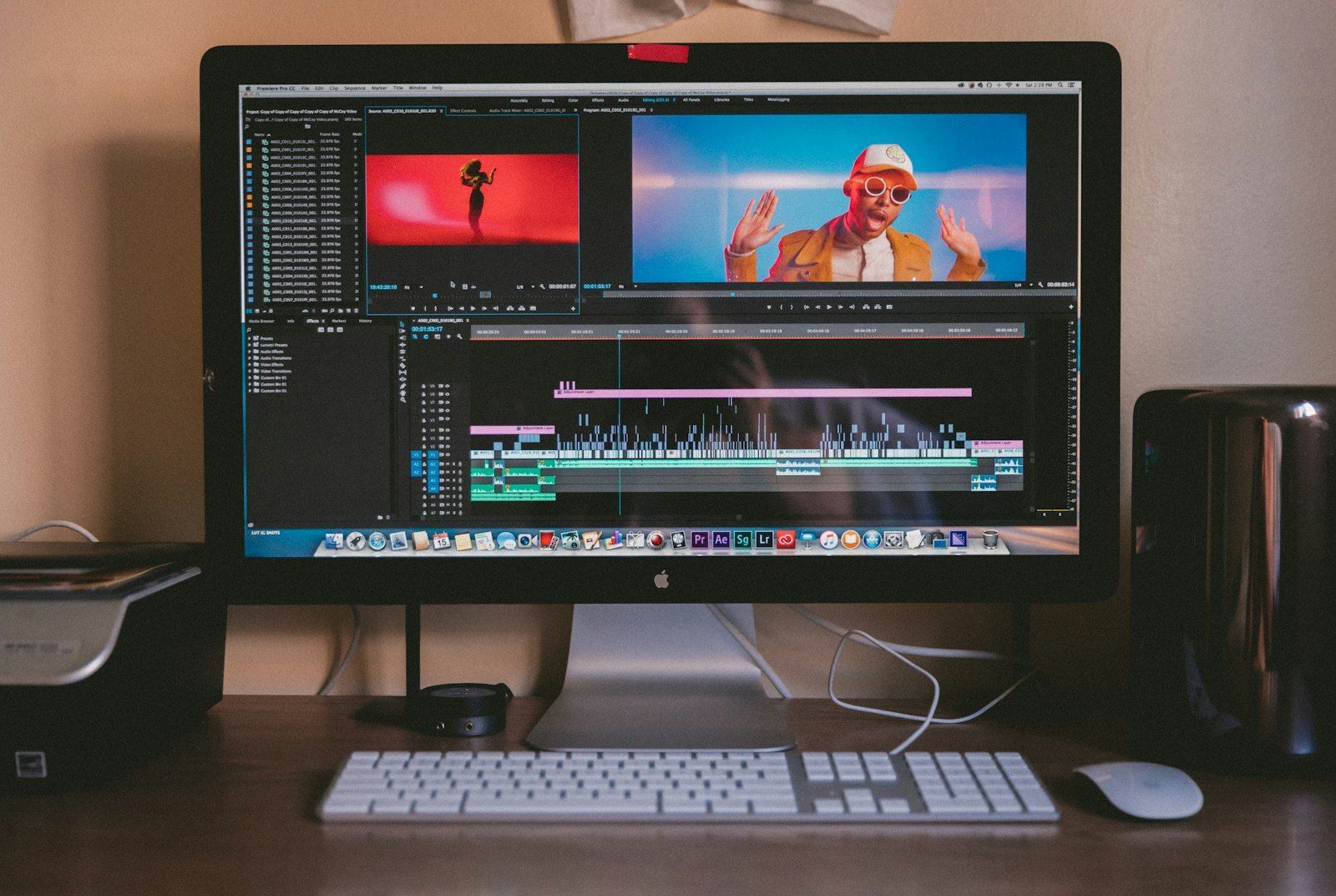


Most short videos that use a song use the wrong part of it. Creators grab whatever the platform suggests, usually the first few seconds or the chorus the app's trending tab has already worn smooth, and then wonder why the edit feels flat. The song is rarely the problem. The 15 to 30 seconds you chose from it is.
Picking that slice is an editing decision as important as the footage itself. This guide gives you a repeatable method: how to read a song's structure, how to do the bar math that lets cuts land on the beat, how to match a section to the story you are telling, and how to make a clip loop cleanly so viewers watch it twice.
Why the slice matters more than the song
A full pop song runs three to four minutes. A short-form clip usually uses a tiny fraction of that, so the section you pick carries the whole emotional weight of the video. The same song can feel triumphant, nostalgic or tense depending on which 20 seconds you use.
Platform limits shape the decision too. YouTube's help documentation says Shorts can run up to three minutes, and that in the Shorts audio library most songs can cover up to 90 seconds, with some tracks capped at 60 or 30 seconds (see YouTube's explanation of three-minute Shorts). The selector shows how many seconds a track will cover, so check it before you plan your edit around a long section. For the rules on what is safe to use at all, see our guide to music licensing for video creators.
Whatever the platform allows, shorter usually wins. A tight clip with one clear musical moment beats a long clip that wanders through verse, bridge and outro.
Step 1: Learn the map of the song
Nearly every pop, rock, hip-hop and electronic track is built from a few repeating blocks. Knowing them lets you scan a song in seconds instead of scrubbing blindly.
| Section | What it does | Good for |
|---|---|---|
| Intro | Sets the sound world, often sparse | Establishing shots, slow reveals, "before" moments |
| Verse | Tells the story, lower energy | Voiceover-friendly clips, talking, setup |
| Pre-chorus | Builds tension, rising pitch or rhythm | Countdowns, suspense, getting ready |
| Chorus | Biggest melody, highest energy | Payoff, transformation, the hero moment |
| Drop (electronic) | Bass and rhythm return after a break | Hard cuts, reveals, action |
| Bridge or breakdown | Contrast, often stripped back | Emotional beats, slow motion, twists |
| Final chorus | Chorus with extra layers or a key change | Finales, "after" shots, celebration |
| Outro | Winds down | Endings, fades, loops |
Open the track in any audio editor or in your video editor's timeline and mark each block with a label. It takes about two minutes, and you will end up with a map that works for every video you make with that song.
Look for the energy jump
The most useful moment in any song is a jump in energy. It might be the instant a verse becomes a chorus, a bass drop, a drum fill into a new section, or the last line of a pre-chorus before a big downbeat. That jump is the natural place for a visual change: a cut, a reveal, a transition, a change of location.
Build the clip so that your big visual moment sits on that jump, and let the lead-up fill the seconds before it. If your idea is "messy room to clean room", the mess should live in the build and the clean room should arrive with the chorus.
Step 2: Match the section to the story
Different stories want different musical shapes. Before you choose a section, write one sentence describing what the viewer should feel at the start and at the end of the clip. Then find the part of the song that moves the same way.
- Before and after, or transformation: use the stretch from the end of a pre-chorus into the first chorus. The build covers the "before", the chorus delivers the "after".
- Tutorial or recipe: use a steady, mid-energy loop such as a verse groove or an instrumental section with no lead vocal, so the music supports steps rather than competing with them.
- Travel or event recap: use a chorus into a second section so the clip has a rise and a peak. Our guide to editing a recap video around song structure covers the longer-form version of this idea.
- Comedy or reveal: use a hard stop. A drop, a silence before a downbeat, or a chord that cuts out gives you a built-in punchline.
- Emotional or personal story: use a bridge or a stripped-back verse. Lower energy and exposed vocals read as sincere.
Check what the lyrics are saying
A catchy chorus can fight your footage. A breakup lyric over a birthday montage creates an odd tension, and a cheerful hook that is secretly bitter can read as ironic or as a mistake. Read the lyrics of the section you chose, not only the title. If the words contradict the visuals, either change the section or lean into the contrast on purpose.
Step 3: Do the bar math
Cutting on the beat sounds like a feeling, but it is simple arithmetic. In 4/4 time (the time signature of most pop and dance music), one bar contains four beats, and one bar lasts 240 divided by the BPM, in seconds.
| BPM | Seconds per bar | 8 bars | 16 bars |
|---|---|---|---|
| 90 | 2.67 s | 21.3 s | 42.7 s |
| 100 | 2.40 s | 19.2 s | 38.4 s |
| 120 | 2.00 s | 16.0 s | 32.0 s |
| 128 | 1.88 s | 15.0 s | 30.0 s |
| 140 | 1.71 s | 13.7 s | 27.4 s |
This table tells you in advance what fits. At 128 BPM, 16 bars last exactly 30 seconds, so a house track gives you a perfectly square 30-second clip with a new musical phrase every 7.5 seconds. At 120 BPM, 8 bars last 16 seconds, which suits a 15 to 16 second clip. At 90 BPM, a 15-second clip holds only about 5.6 bars, so you will want to start or end mid-phrase, and you should do it deliberately.
Songs differ a lot in tempo. "Billie Jean" sits around 117 BPM, "Mr. Brightside" around 148 and "Blinding Lights" around 171. At 171 BPM a bar lasts only 1.4 seconds, so a 15-second clip contains more than ten bars, and cutting every bar would feel frantic. Cut every two or four bars instead.
Plan cut points before you shoot
Once you know the length of a bar, you can plan the shot list. A 15-second clip at 120 BPM has roughly 30 beats. Decide which beats get a cut. A good starting rhythm is one change every two beats in the build, then a faster burst of cuts on the beats right before the payoff, then one held shot through the chorus downbeat. Our practical guide to cutting video on the beat walks through the editing side step by step.
Phrase boundaries matter more than individual beats. Musical phrases usually run in blocks of 4 or 8 bars, and the strongest place for a cut is the first beat of a new phrase. Cut on beat one of bar five and the edit feels intentional, even if nothing else in the video is synchronized.
Step 4: Choose clean in and out points
Where a clip starts and ends decides whether it feels polished.
Start just before a downbeat
Starting on the downbeat itself can feel abrupt, but starting two or three beats earlier gives the viewer a tiny lead-in that makes the first beat land. Many editors begin the clip at a pickup, the short note or word that leads into the first full bar. If you are starting on a vocal line, begin at the breath before it, and the line will sound natural.
Avoid cutting through a word or a sustained note
Zoom into the waveform and place your in and out points in gaps between words or just after a drum hit fades. A cut through the middle of a syllable is one of the most noticeable flaws in short videos, and it is easy to avoid. Add a very short fade of 5 to 20 milliseconds at the edges to remove clicks.
End on a resolved moment
A phrase that ends on the tonic chord, the chord that feels like "home", sounds finished. A phrase that ends on a tense chord sounds unresolved, which can be useful if you want the viewer to feel suspended or want a clip to loop. Listen to your last half second on its own and ask whether it sounds like an ending or a question.
Step 5: Make it loop
Short-form platforms often replay clips automatically, and a clip that loops smoothly keeps people watching longer. A loop works best when the end of the audio connects naturally to the beginning.
- Pick a section that starts and ends on the same chord, which is common in loop-based and electronic music.
- Cut on the same beat position at both ends, for example, both on beat one of a bar.
- Repeat the clip in your timeline and listen to the seam. If you hear a bump, move the out point earlier or later by a few frames.
- Match the visuals: end on a frame that looks like the first frame, such as the same pose, the same framing or the same empty room.
Instrumentals and beat-driven tracks loop more easily than lyric-driven songs. If a lyric ends mid-sentence at the loop point, the seam will be obvious. When that happens, use a different phrase or end the clip on a held vowel that fades out.
Step 6: Keep the music from fighting your content
If your video has speech, the music needs to stay out of the way. Pick a section with an open middle range, such as a verse with sparse instrumentation or an instrumental break, and lower the music well under the voice. Our guide on mixing music under a voiceover covers ducking and level targets in detail.
For clips without speech, leave the music at full strength, but check it on a phone speaker, since that is where most viewers will hear it. A bassy drop that sounds huge on studio headphones can nearly vanish on a small speaker. If the payoff moment depends on sub-bass, choose a section where the mid-range melody also carries the energy.
A worked example
Say you want a 20-second "getting ready" clip for a night out, using a mid-tempo dance track at 120 BPM.
- Open the track and label the sections. Find the pre-chorus, which starts at the beginning of a 4-bar rising build, followed by the first chorus.
- At 120 BPM, a bar lasts 2 seconds. Four bars of build plus four bars of chorus is 16 seconds, which leaves 4 seconds for a lead-in and a short tail.
- Start 2 seconds before the build (one bar of the previous section), so the clip begins with a short pickup rather than a hard start.
- Plan the shots: showering and choosing clothes in the first two bars, hair and makeup in the next two, and the doorway shot, with the full outfit, on the first beat of the chorus.
- Hold the final shot for the whole opening bar of the chorus, then cut every two beats through the rest of the chorus.
- Fade the last half second so the clip ends clean, and check the seam if you want it to loop.
You have now made every musical decision before filming a single frame.
Try this with your next video
Take a song you already like and spend ten minutes mapping it. Mark the intro, verses, choruses and any drop or key change, write down the BPM, and calculate the length of one bar. Then pick three possible 15-second slices: one that ends on a big payoff, one built around a quiet moment and one that loops. Drop each against the same footage and watch them back to back. The difference between the three will teach you more about song selection than any list of trending sounds, and you can keep the map for the next time you use the track.
If you are unsure whether the song you picked is allowed on the platform you are posting to, check the platform's own music eligibility rules before you edit, for example YouTube's music eligibility page for Shorts.
Build your next playlist with Mixider
Mix YouTube, YouTube Music, SoundCloud, Bandcamp, Audius and more in one shared playlist, and let your friends add their picks.
Try Mixider for free