How to Make a Lyric Video: Timing, Design and Rights
Learn how to make a lyric video that reads clearly: pick a style, time each line and word, design readable text, export per platform and avoid rights problems.


On May 8, 1965, Bob Dylan stood in an alley behind London's Savoy Hotel and flipped handwritten cue cards in time with "Subterranean Homesick Blues" while D.A. Pennebaker's camera rolled. There was no budget, no effects and no editing trick, only words timed to a song. Sixty years later, the lyric video is still one of the cheapest and most effective formats in music, and you can make a good one on a laptop in an evening.
This guide walks through the whole job: choosing a style, getting the lyrics and timing right, designing text that reads at a glance, exporting for each platform, and avoiding the rights problems that get lyric videos taken down.
Where the lyric video comes from
Dylan made the alley clip while on his 1965 English tour, reportedly with Scopitone in mind, the French visual jukeboxes that played short 16mm music films. Friends including Allen Ginsberg, Bob Neuwirth and Donovan helped write the cards, and some of them carry deliberate misspellings and jokes (Ultimate Classic Rock). The idea was so durable that for the song's 60th anniversary a new version had artists such as Patti Smith, Bruce Springsteen and Jim Jarmusch reimagine the cards (American Songwriter).
The lesson for a modern editor is that the cards worked because each word landed exactly when it was sung. Fonts, color and motion are decoration. Timing is the entire product.
Choose one of four styles before you open the editor
Most lyric videos fall into four families. Picking one early keeps you from rebuilding the project halfway through.
| Style | Look | Effort | Best for |
|---|---|---|---|
| Static card | One background image, lyrics change line by line | Low | Quick releases, fan uploads, demos |
| Karaoke highlight | Lines stay put, the current word changes color | Medium | Singalongs, pop and rock |
| Kinetic typography | Words move, scale and cut with the rhythm | High | Rap, fast songs, strong hooks |
| Footage plus captions | Video clips with lyrics laid over them | Medium to high | Travel pieces, tributes, mood videos |
A static card is a perfectly respectable choice for a slow ballad. Kinetic typography earns its effort on a rap verse with 6 or 7 syllables per beat, where the text itself can carry the energy. If you are new to this, start with karaoke highlight: it forces you to learn word-level timing, which every other style depends on.
Get the lyrics right first
Typos in lyrics are the fastest way to lose viewer trust, and comment sections will point them out within hours. Work in this order:
- Copy the lyrics from the artist's own release if it exists (the booklet, the official site, the distributor's metadata). If you are the artist, use your own final lyric sheet, not the demo version.
- Listen through with headphones while reading. Mark every spot where the sheet and the recording disagree: ad-libs, repeated lines, "yeah"s, harmonies.
- Decide how to treat backing vocals. Common practice is to show them smaller or in a lighter shade, or to leave them out when they would crowd the screen.
- Split the text into display lines of at most 6 to 8 words. Break at natural phrase ends, not in the middle of a thought.
- Mark repeats. A chorus that appears four times only needs designing once if you build it as a reusable template.
Timing: the part that makes it feel professional
Mark the line starts, then the word starts
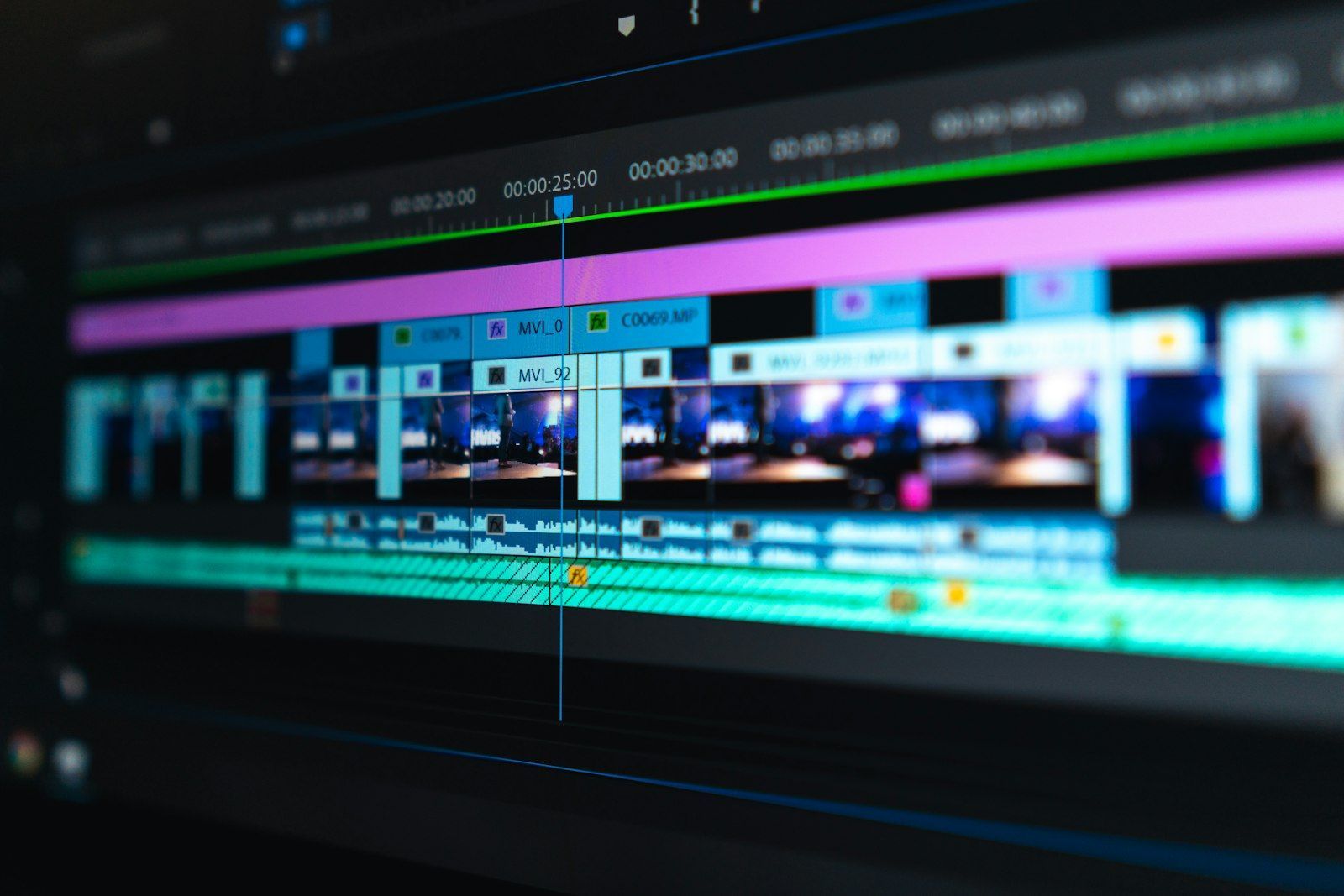
Import the audio and add a marker every time a line begins. Use the waveform: consonants at the start of words show as small spikes. Play at half speed to place markers, then check at full speed. For karaoke highlight, add a second pass with a marker for each word.
The same idea exists in the lyrics files that music players use. The simple LRC format puts a time tag in minutes, seconds and hundredths before each line, and an enhanced variant adds word-level tags (Wikipedia). Even if you never export one, thinking in "a tag for every line, then every word" is the right mental model for your timeline. One practical consequence: timing is tied to one exact version of the audio. If the track is later replaced by a radio edit or remaster with a different intro length, every marker drifts. Lock your audio before you start.
Lead the audio by a few frames
Viewers read before they hear. Text that appears exactly on the sung syllable feels slightly late, because the eye needs a moment to catch it. Place each line's entrance 3 to 6 frames (about 0.1 to 0.2 seconds at 30 fps) before the vocal. Place exits right after the line ends or on the next line's entrance, never long after. If you want to go further into matching visuals to rhythm, the techniques in how to cut video on the beat apply directly.
Use the song structure
Verse and chorus give you a layout plan. A good approach is to keep verses calm (one or two lines at a time, simple fades or cuts) and let the chorus change scale, color or background so viewers feel the lift. The method in editing a recap video around a song's structure works just as well for lyric videos: map the sections first, then assign each one a visual treatment.
Design text that reads in under a second
A lyric line is on screen for two to four seconds, and often a phone is held at arm's length. Design for that.
- Size: keep body lyrics large enough that a phone screen can read them without zooming. A useful test: export a 10-second sample and watch it on your phone from a normal distance.
- Contrast: white or near-white text on a darkened, slightly blurred background is the safest choice. If your background is busy footage, add a soft dark gradient or a subtle shadow behind the text.
- Fonts: one or two typefaces maximum. Choose one that matches the genre (a heavy sans for rap or electronic, a serif or script for folk and ballads), and check that every character you need (accents, apostrophes) exists in it.
- Safe margins: keep text away from the edges. On vertical video for Shorts, Reels or TikTok, the bottom part of the frame is covered by captions, buttons and account names, so place lyrics in the middle third.
- Motion: pick a single entrance animation and reuse it. Constant variety looks chaotic. Save the big move (a zoom, a shake, a color flip) for the hook.
- Line length: if a line needs three rows to fit, split it into two display lines instead of shrinking the text.
Handling fast lyrics
For fast verses, show words in small groups of two or three, timed to the stressed syllables, rather than whole lines at once. Reveal them with hard cuts instead of long fades: a 12-frame fade on a word that lasts 8 frames will blur into the next one. For rap, consider building the animation off the kick and snare rather than the vocal, so the picture keeps a steady pulse under the words.
Tools worth knowing
You do not need expensive software.
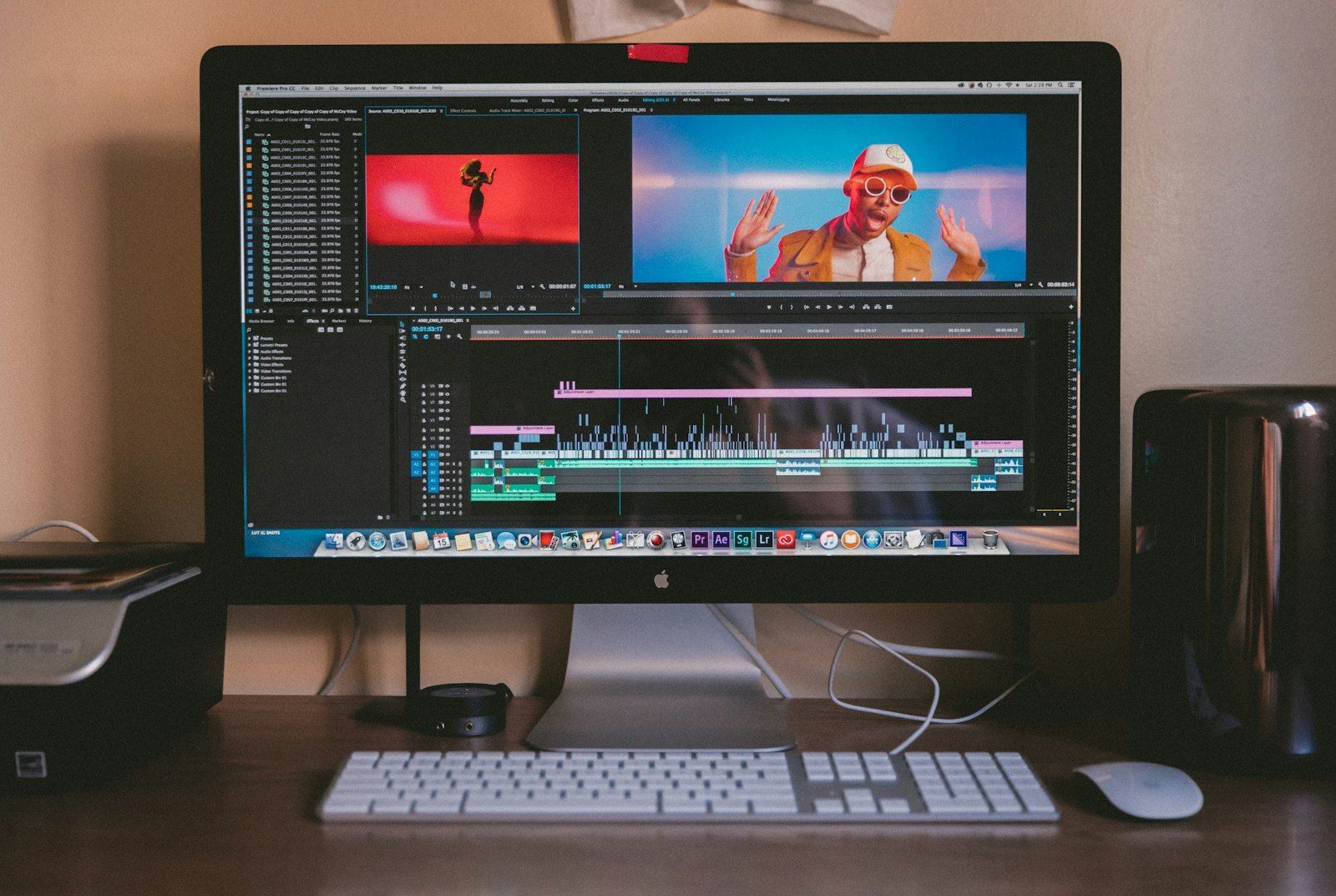
- Timeline editors such as DaVinci Resolve (free version), Premiere Pro, Final Cut Pro or CapCut handle text layers, markers and exports. Resolve and Premiere also handle imported subtitle files, which can speed up a karaoke build.
- Motion tools such as After Effects or Fusion are worth it for kinetic typography, where you animate position, scale and rotation per word.
- Subtitle or caption tools can generate a first rough timing from the audio. Treat the result as a draft: automatic alignment struggles with fast, layered or heavily processed vocals, and you will need to correct it by ear.
Whatever you use, set up a template for one lyric line (text, animation, safe margin), then duplicate it. That single habit cuts the editing time of a three-minute song dramatically.
Rights: the part you cannot skip
A lyric video combines at least two protected works: the recording and the words. The rights are held by different people (the label or artist for the recording, the songwriters and publisher for the lyrics), and a nice-looking video does not change that.
- If it is your own song, you control both, and a lyric video is mostly a promotional asset. Upload it from the artist's channel with the correct metadata.
- If it is someone else's song, expect a claim. On YouTube, rights holders can use Content ID to detect their recording in your upload, and distributors' guides describe fan lyric videos that use the official recording as claimable (LabelGrid). A claim usually means the rights holder can monetize, block or track the video, not necessarily that your channel is removed, but outcomes vary by territory and rights holder.
- Covers and re-recordings do not avoid the lyric rights. Only the composition owner can claim those, and you still need the right license.
Our guide on music licensing for video creators covers the options in detail, including royalty-free libraries and how to read license terms. If you want a video that is safe to publish anywhere, ask the artist for permission in writing, or use music that is explicitly cleared for it.
Export settings by platform
| Platform | Aspect ratio | Notes |
|---|---|---|
| YouTube | 16:9 (1920 x 1080 or higher) | Add the lyrics in the description too, for search |
| Shorts, Reels, TikTok | 9:16 (1080 x 1920) | Keep text in the middle third, use only the 15 to 45 seconds that carry the hook |
| Website or embed | 16:9 | Keep file size reasonable, host on a video platform rather than self-hosting |
For vertical clips, choose the section with care. Picking the best 30 seconds of a song matters even more for a lyric video, because the lyrics need to make sense without the rest of the song. Check loudness as well: lyric videos often sit under voiceover or compete with other audio, and the same ideas from mixing music under voiceover help if you add commentary.
Try this tonight
Pick a song you have rights to (your own, or one from a royalty-free library that allows video use) of about 90 seconds. Build a karaoke-highlight video in these steps:
- Write the lyrics out and split them into lines of 6 words or fewer.
- Add a marker on the timeline at the start of each line, at half speed.
- Create one text template, with a safe margin, white text and a dark background gradient.
- Duplicate it for every line and lead each entrance by about 4 frames.
- Add a second color for the current word on the chorus only.
- Export a 10-second test, watch it on your phone at arm's length, then fix anything you had to squint at.
By the end you will have a reusable template and a feel for timing, which is more valuable than any plugin.
Build your next playlist with Mixider
Mix YouTube, YouTube Music, SoundCloud, Bandcamp, Audius and more in one shared playlist, and let your friends add their picks.
Try Mixider for free